
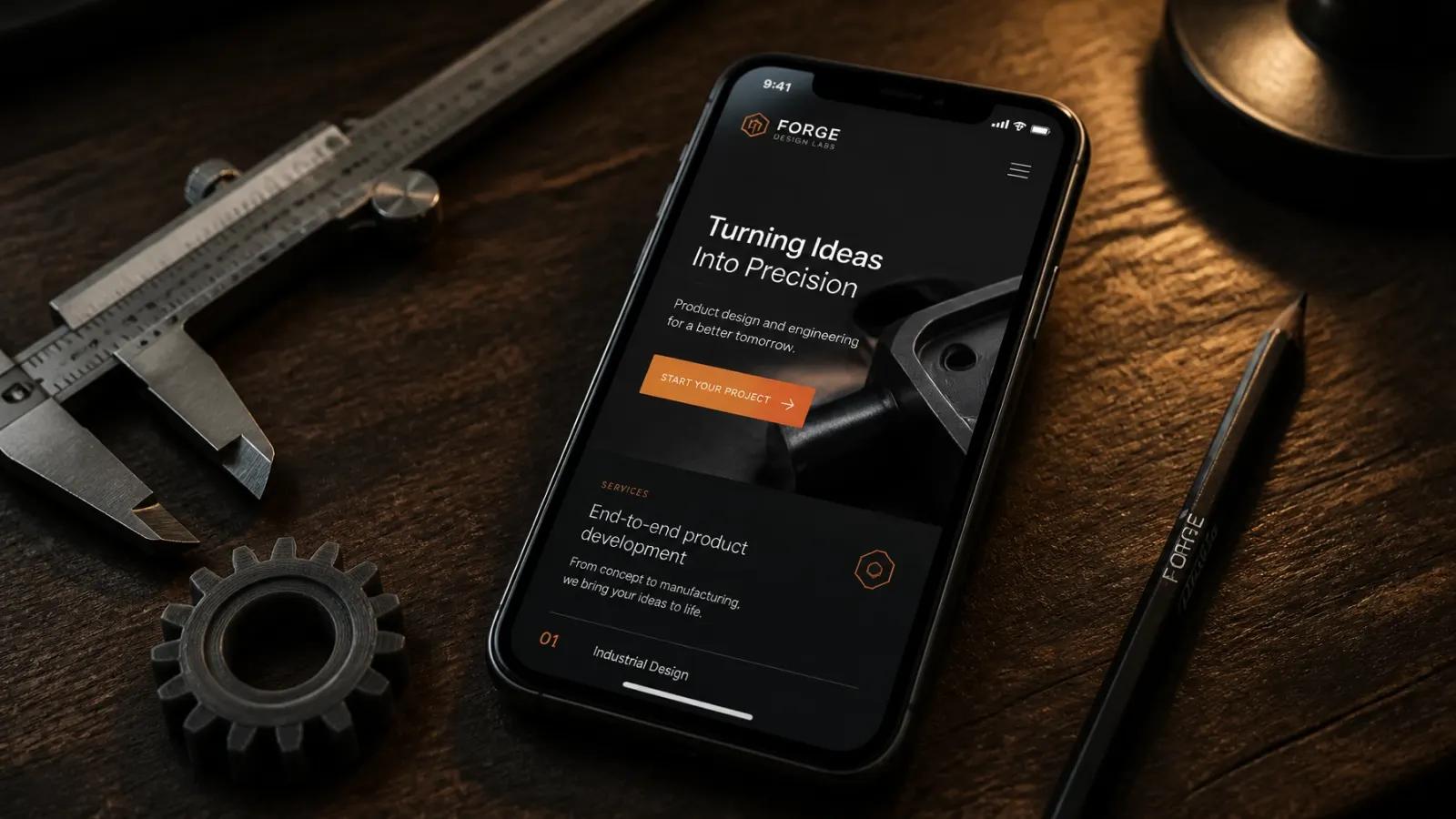
Let's be honest: most "mobile-friendly" websites are anything but friendly.
You've probably been told by some high-overhead agency that your site is "responsive." You open it on your phone, and sure enough, the boxes moved around and nothing is falling off the edge of the screen. Job done, right?
Wrong.
Just because a website fits on a phone doesn't mean it works on a phone. In 2026, your customers aren't just "browsing" on their phones; they are trying to solve a problem, book a service, or buy a product while they're standing in line for coffee or sitting in a parking lot. If your mobile site makes them work too hard, they're gone in three seconds.
At MixedMakerShop, I spend my days in the trenches building things that actually function. I don't care about "vibe shifts" or corporate buzzwords. I care about whether a visitor can find your phone number and hit "call" without needing a magnifying glass.
Here are the 7 biggest mistakes I see small businesses making with their mobile designs, and exactly how I fix them.
1. You're "Shrink-Wrapping" Your Desktop Site
This is the most common sin in web design. You build a beautiful desktop site, and then you just tell the code to "squish" it until it fits a smartphone screen.
The result? Tiny text that requires a pinch-zoom just to read a paragraph and images that are so small they lose all detail. A mobile-friendly site isn't a miniature version of your desktop site; it's a focused tool built for a specific context.
The Fix: Think mobile-first. If a piece of content isn't absolutely necessary for a mobile user to make a decision, cut it. Your mobile site should be a streamlined path to conversion, not a junk drawer of every bit of text you've ever written.
2. You're Ignoring the "Thumb Zone"
We've all been there: you're trying to click a link on a website with one hand, and you almost drop your phone trying to reach that tiny "Menu" button in the top left corner.
Most people use their phones with one hand, using their thumb to navigate. If your most important buttons, like "Request a Quote" or "Call Now", are buried at the top or hidden in a cluttered corner, you are literally making it physically painful for customers to give you money.
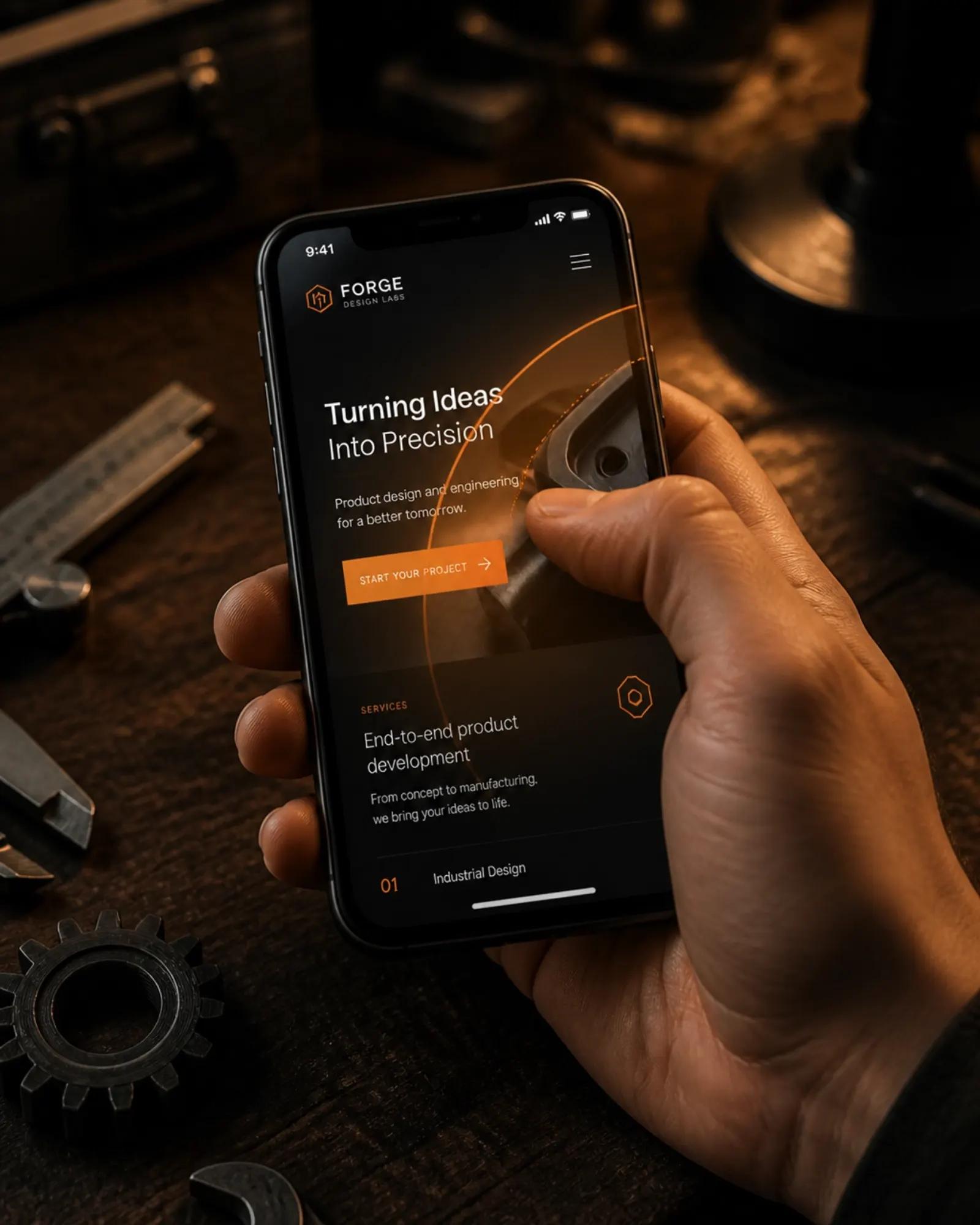
The Fix: Place your primary calls to action (CTAs) in the "Green Zone", the bottom half of the screen where a thumb naturally rests. At MixedMakerShop, I design with "thumb reach" in mind, ensuring your key buttons are always within easy striking distance.
3. Speed is Your Silent Killer
If your mobile site takes more than three seconds to load, you've already lost half your traffic. 2026 users have zero patience for "loading..." animations.
Often, this happens because designers use massive, unoptimized images or "canned" plugins that bloat the site's code. On a desktop with high-speed fiber, you might not notice. On a phone with two bars of 5G? It's a disaster.
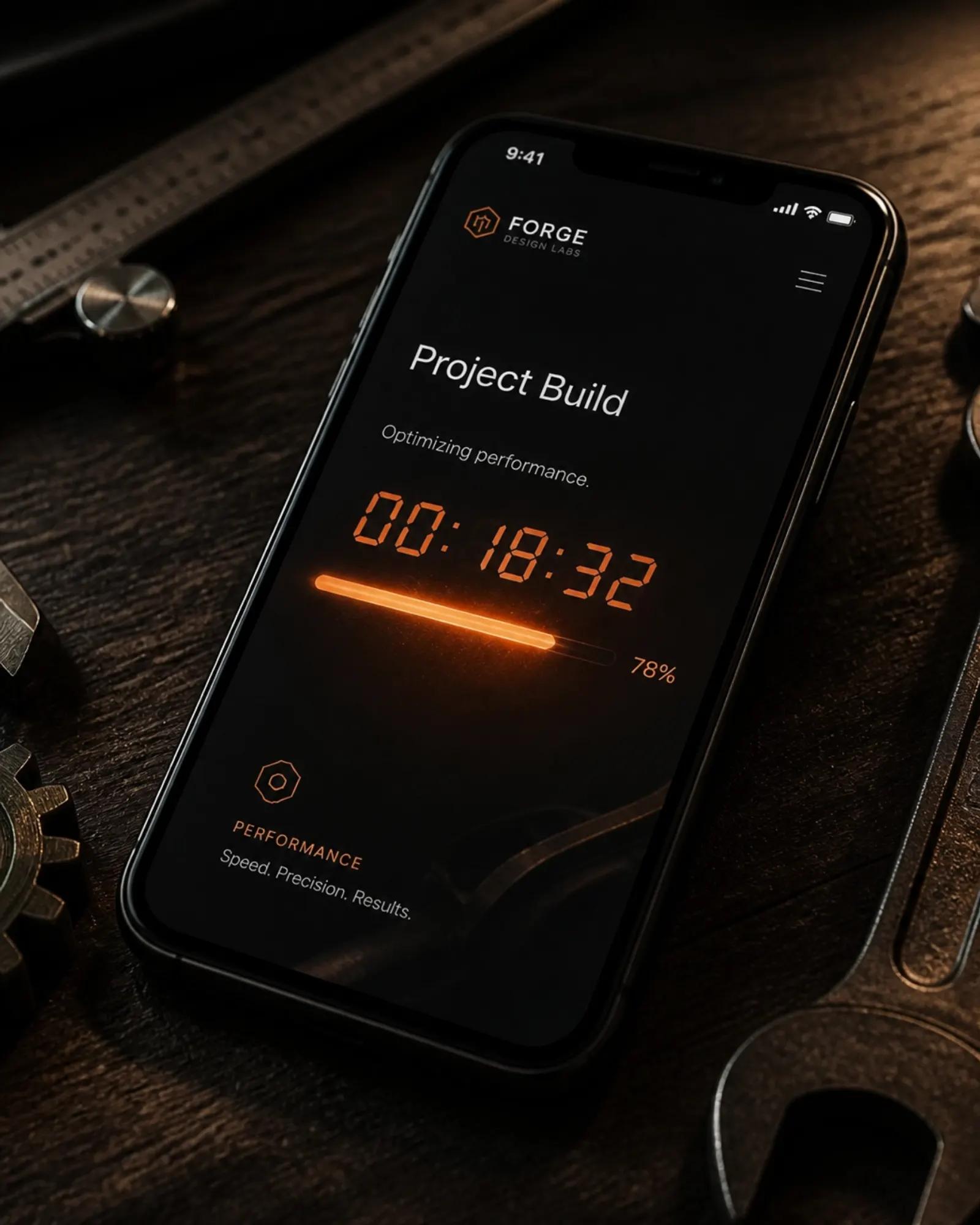
The Fix: Optimize everything. I use manual, thoughtful compression on every image and strip out the "agency fluff" code that slows things down. If you want to see how your current site stacks up, check out my Free Website Review where I'll tell you exactly what's dragging you down.
4. Your Forms are a Nightmare to Fill Out
Nobody wants to fill out a 15-field contact form using a tiny digital keyboard. If your "Contact Us" page asks for a life story, your conversion rate is going to stay in the basement.
Mobile users want "tap-tap-done."
The Fix:
- Reduce fields: Ask for the bare minimum (Name and Email/Phone).
- Use the right keyboards: If a field asks for a phone number, the numeric keypad should pop up automatically.
- Big tap targets: Make sure buttons are large enough that even a "fat finger" won't accidentally hit the "Reset" button next to it.
5. Visual Clutter (Drowning in Noise)
Pop-ups, "Sign up for our newsletter" banners, cookie consent bars, and "Chat with us" bubbles — when these all hit a mobile screen at once, the actual content of your site disappears.
It's frustrating, it looks desperate, and it makes people hit the "Back" button.
The Fix: Prioritize clarity. Use plenty of white space (or "negative space") to let your content breathe. A "glassy and calm" interface isn't just an aesthetic choice; it's a functional one that guides the user's eye to exactly where you want them to go.
6. You're Forgetting the "Outdoor Factor"
Mobile phones are used... well, mobile. People are looking at your site in bright sunlight, in dark cars, and on the move. If your website uses light gray text on a white background, it might look "sleek" in a dark design studio, but it's unreadable on a sidewalk in the middle of July.
The Fix: High contrast is your friend. I use grounded, earthy palettes with clear, bold text to ensure your message is legible no matter where your customer is standing.
7. No Clear "Next Step"
The biggest mistake? Having a mobile site that looks okay but doesn't ask for the business. Every page on your mobile site should have one — and only one — primary goal.
If a visitor has to scroll through three pages of "About Us" and "Our Mission" before they find a way to contact you, you've failed.

The Fix: Every mobile page needs a clear, persistent "Next Step." Whether that's a "Call Now" button in the header or a big, orange "Get a Free Mockup" button at the end of every section, make it impossible for them to wonder "What do I do now?"
How to See What Your Mobile Site Could Become
I know what you're thinking: "This sounds like a lot of work and a lot of money."
It doesn't have to be. I don't believe in charging people for "discovery phases" or abstract slide decks. I believe in showing, not telling.
That's why I offer a Free Website Homepage Preview.
You give me your current URL and tell me what you do. I'll take that "manual, thoughtful approach" I mentioned and build you a mobile-friendly, conversion-focused homepage preview. You get to see exactly how I'd fix these mistakes on your site before you spend a single cent. No risk, no high-pressure sales pitch — just a builder showing you what's possible.
All Under One Umbrella
At MixedMakerShop, I don't just do Web Design. I'm a one-man lab that handles everything from apps, books, and video to AI & Automation.
I bridge the gap between the digital and the physical. Whether you need a website that actually turns visitors into leads or custom gear for your next event, I build it here, hands-on, in the studio.

Ready to stop losing leads on mobile?
Don't let a bad mobile design cost you another customer. Browse my builds, request your free mockup, or just reach out and say hi. Let's build something that actually works.