Does your computer take five minutes just to boot up? Do you click on a web browser and have time to go make a cup of coffee before the page actually loads?
When a computer starts crawling, many people assume it is ready for the trash. You hop online, look at prices for a brand new machine, and nearly choke. Between inflation and high-end retail markups, buying a decent replacement can easily cost $800, $1,000, or more. For a small business owner, a freelancer, or a remote worker trying to make ends meet, that kind of unexpected expense hurts.
Here is the good news: you probably do not need to buy a new computer at all.
I'm just one guy running Mixed Maker Shop right here in Hot Springs, and I see this every single week. People are ready to throw away perfectly good hardware just because it is clogged up with digital clutter, choked with dust, or running on an outdated mechanical hard drive. With a straightforward tune-up, a good cleaning, and sometimes an affordable hardware upgrade, you can make that sluggish machine run like it just came out of the box.
And the best part? It won't cost you a fortune.
Why Your Computer Feels Like It's Walking Through Mud
Before I talk about how to fix it, let's look at why your computer gets so slow in the first place. Usually, it is not because the processor has worn out. Most computers are retired way before their actual expiration date simply due to preventable issues:
- Dust Buildup: Over time, cooling fans suck in dust and pet hair from your office or living room. This traps heat, forcing the computer to slow itself down so it doesn't melt.
- Startup Bloat: Every time you install a new program, it loves to add itself to your startup list. Suddenly, twenty different background apps launch the second you turn on your machine, eating up your memory before you even open a web page.
- Old Mechanical Hard Drives: If your computer is more than a few years old and still uses a traditional spinning hard drive (HDD), that moving part is a massive bottleneck. Every file open, boot-up, and update forces that little metal disk to spin up and search.
- Junk Files and Malware: Temporary files pile up by the tens of thousands, while browser extensions and rogue background software siphon away your processing power.
When you deal with these culprits, your computer gets a second wind. And because I operate with "one guy, no overhead," you aren't paying for fancy corporate office rent, sales teams, or high-overhead agency markups. You just pay for honest, straightforward labor.
The $75 Remote Session: Clean-Up and Tune-Up
If your machine is bogged down by software clutter and thermal throttling, a thorough service session is often all it takes. My $75 remote session (one hour — and if I finish the main thing early, the rest of the hour is yours) is designed to tackle the root causes of everyday slowdowns without any unnecessary upselling.
Here is what goes into a proper tune-up:
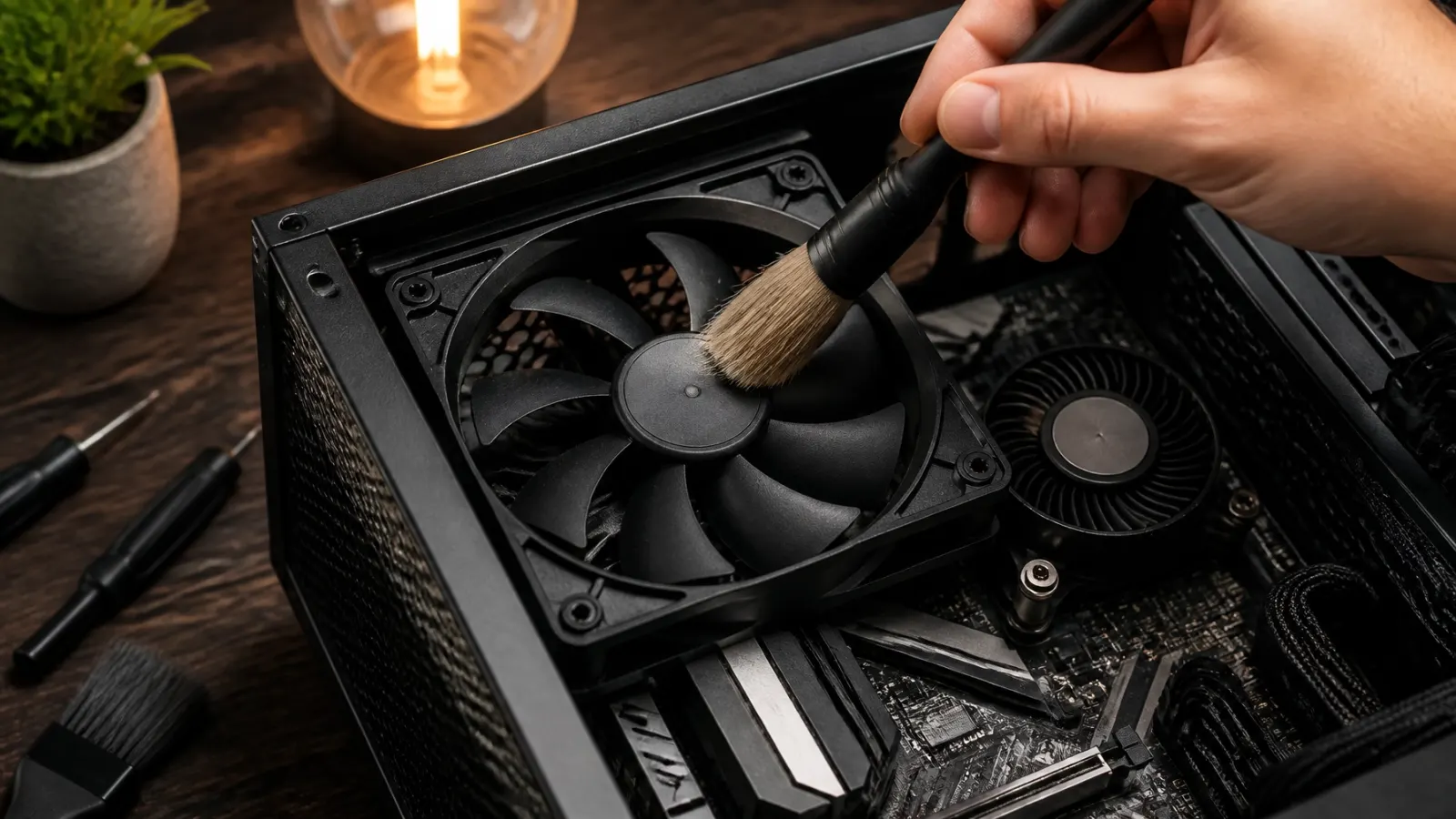
- Physical Dust Removal: I open up the case or laptop chassis and clean out months (or years) of accumulated dust from heatsinks, fans, and vents. Better airflow means cooler temperatures and faster, quieter performance.
- Startup & Background Optimization: I hunt down and eliminate unnecessary background programs that start up automatically. Your RAM and processor are freed up to focus on the tasks you actually care about.
- Junk File Purge: I clear out gigabytes of useless temporary cache files, broken registry entries, and leftover installation data that weigh down your operating system.
- Security & Update Check: I make sure your system security is up to date, check for malware, and ensure your system is patched against common vulnerabilities.
There is no pressure here. If I look at your computer and realize it needs more than a tune-up, I will tell you straight up before doing any extra work. You always know what to expect.
The Ultimate Speed Boost: Swapping to an SSD
What if your computer's main problem isn't just software clutter? What if it still has an old-school mechanical hard drive?
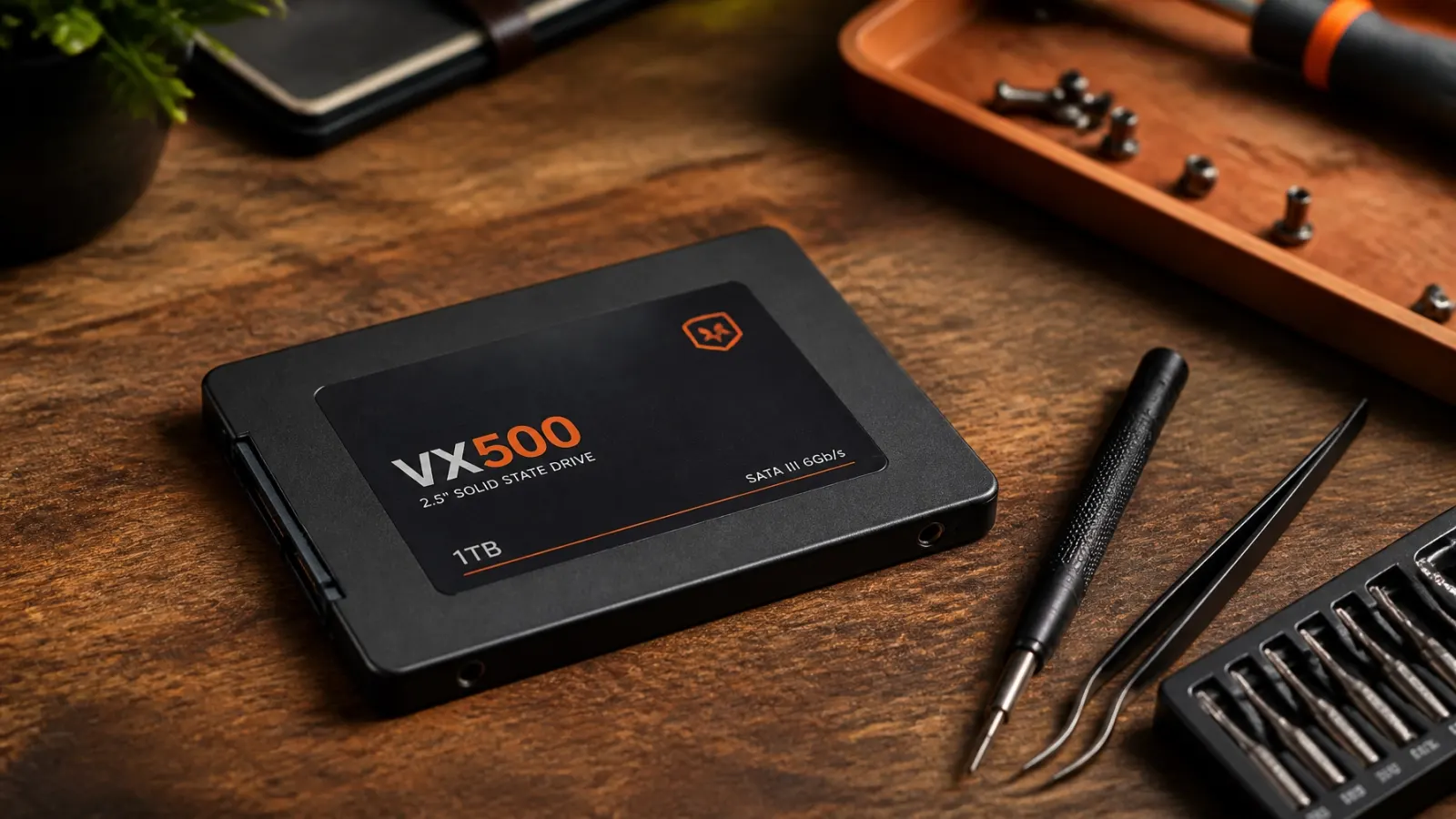
If that is the case, a Solid State Drive (SSD) upgrade is absolute magic.
Traditional hard drives rely on spinning magnetic platters and a moving read/write head. An SSD has no moving parts at all: it uses flash memory, similar to a massive USB thumb drive, but infinitely faster.
When you replace an old mechanical hard drive with an SSD and migrate your operating system over, the transformation is night and day. Boot times drop from three minutes to fifteen seconds. Programs launch instantly. Files open before you can even lift your finger off the mouse click.
Pairing an SSD upgrade with a clean operating system reinstall is often all it takes to make a five-year-old laptop feel brand new. It costs a fraction of buying a new machine, keeps electronic waste out of local landfills, and gives you years of reliable service.
More Than Just Computer Repair: Any Kind of Work You Need
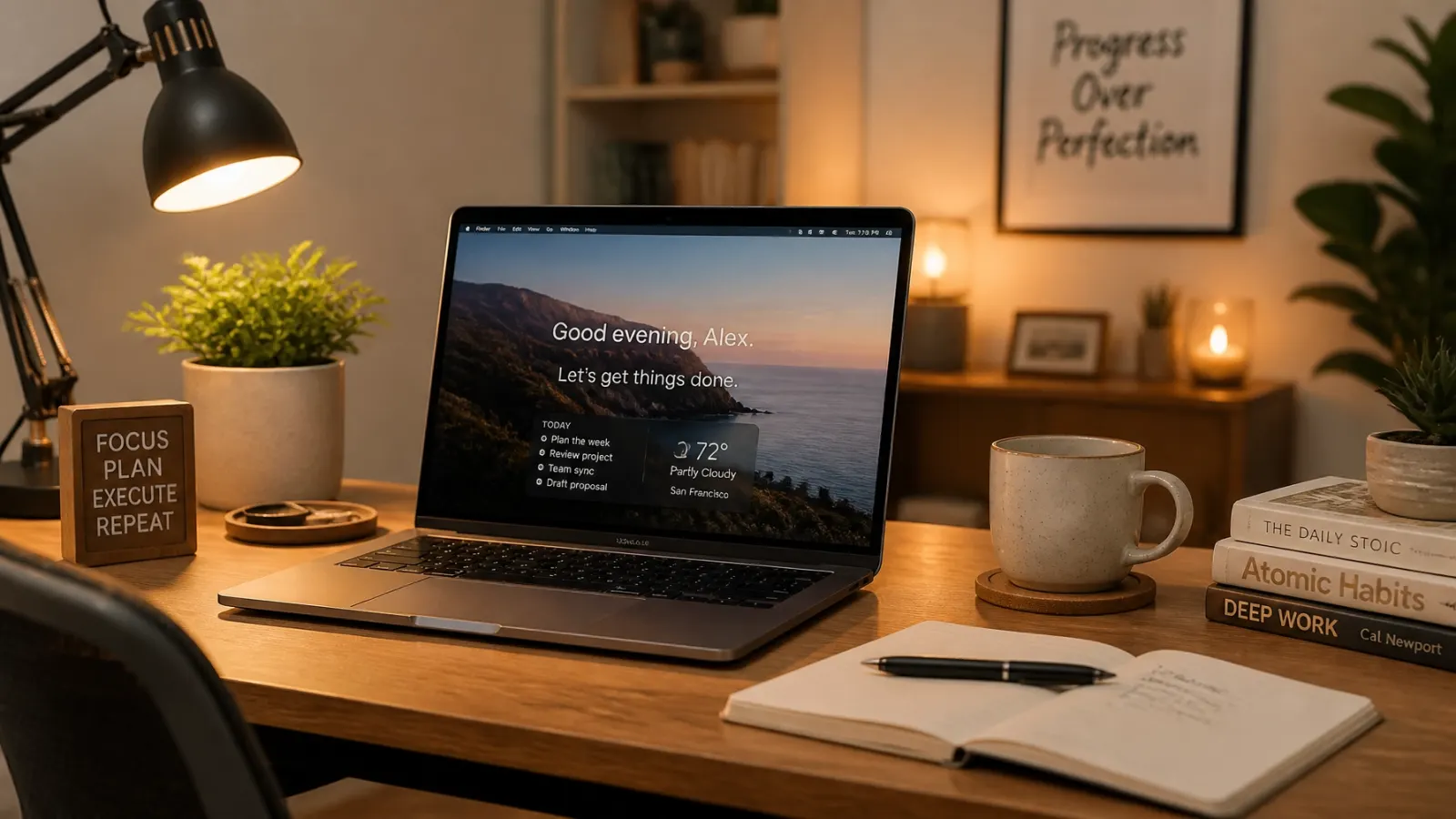
While I spend plenty of time bringing dead or sluggish computers back to life, computer repair is only part of what I do here in Hot Springs.
As a solo operator working directly with local small businesses and hardworking people, I take on any kind of work you need to get found and get paid. Whether you run a lawn care service, a cleaning company, a mobile detailing business, a food truck, a barber shop, a local contractor outfit, or a church, you don't need a corporate agency trying to sell you a massive monthly retainer. You just need a reliable local guy who gets things done.
Aside from tech support and computer tune-ups, my shop handles:
- Web Design & Local SEO: Building clean, mobile-friendly websites and getting your business showing up on local maps so customers in Hot Springs can actually find you.
- Google Business Profile Setup: Getting your shop verified, optimized, and ready to take local calls.
- AI Tools & Automation: From lead-response bots to custom tools built in the lab that take the repetitive work off your plate.
- Digital & Creative Projects: Designing simple flyers, setting up customer helper bots, writing books, recording audiobooks, and building lightweight apps.
If you have a project in mind, tell me what you are trying to make, and I will figure out the best way to build it together.
What I Need From You to Get Started
Getting your computer fixed or starting a new project shouldn't feel intimidating. You do not need to know tech jargon or have your files organized in a special way.
Here is all I need to get rolling:
- Your Machine or Your Idea: Tell me what your slow laptop or desktop is doing, or send me a rough sketch, photo, or description of whatever project or website you need help with.
- A Quick Conversation: Tell me what is bugging you or what goal you want to reach. I will give you an honest assessment of whether a $75 remote session will do the trick or if an SSD upgrade is the smartest move.
- Zero Risk: I believe in keeping things fair. You get clear communication, a straightforward price quote, and zero high-pressure sales pitches.
My goal is simple: help local business owners and residents keep their gear running smoothly and their businesses moving forward without spending a fortune.
Ready to Bring Your Computer Back to Life?
You don't need to empty your savings account to buy a brand new computer. Let's look at your current machine, clear out the clutter, and give it the speed boost it deserves for a fraction of the cost.
Text me at 501-575-8017 or head over to the contact page to send a quick message about your computer or project. Let's get you back up to speed!
Book a $75 remote session or ask about an SSD upgrade — send a message or a photo of your machine and I'll tell you honestly what it needs.