Let's be honest: you didn't start your business because you loved shuffling papers, copy-pasting customer names into spreadsheets, or sending "just checking in" emails for the tenth time this week. You started it to build things, help people, and solve real problems.
But as a business grows, the "paperwork tax" starts to get heavy. Every new customer brings a mountain of manual tasks that eat up your evenings and weekends. This is where small business workflow automation comes in. And no, I'm not talking about some high-priced agency jargon or a complex "utility framework." I'm talking about building simple digital tools that act like an extra set of hands in your shop.
At Mixed Maker Shop, I'm a builder first. Whether I'm shipping a new tool out of the lab or wiring up an AI bot, the goal is the same: make stuff that actually works.
Here are five practical, no-nonsense ways to use ai automation for small business to stop chasing paperwork and get back to the work that matters.
1. Speed to Lead: From Contact Form to Instant Reply
When someone reaches out through your website, they are usually at their "peak interest." If you wait three days to reply because you were busy in the workshop, they've probably already moved on to the next guy.
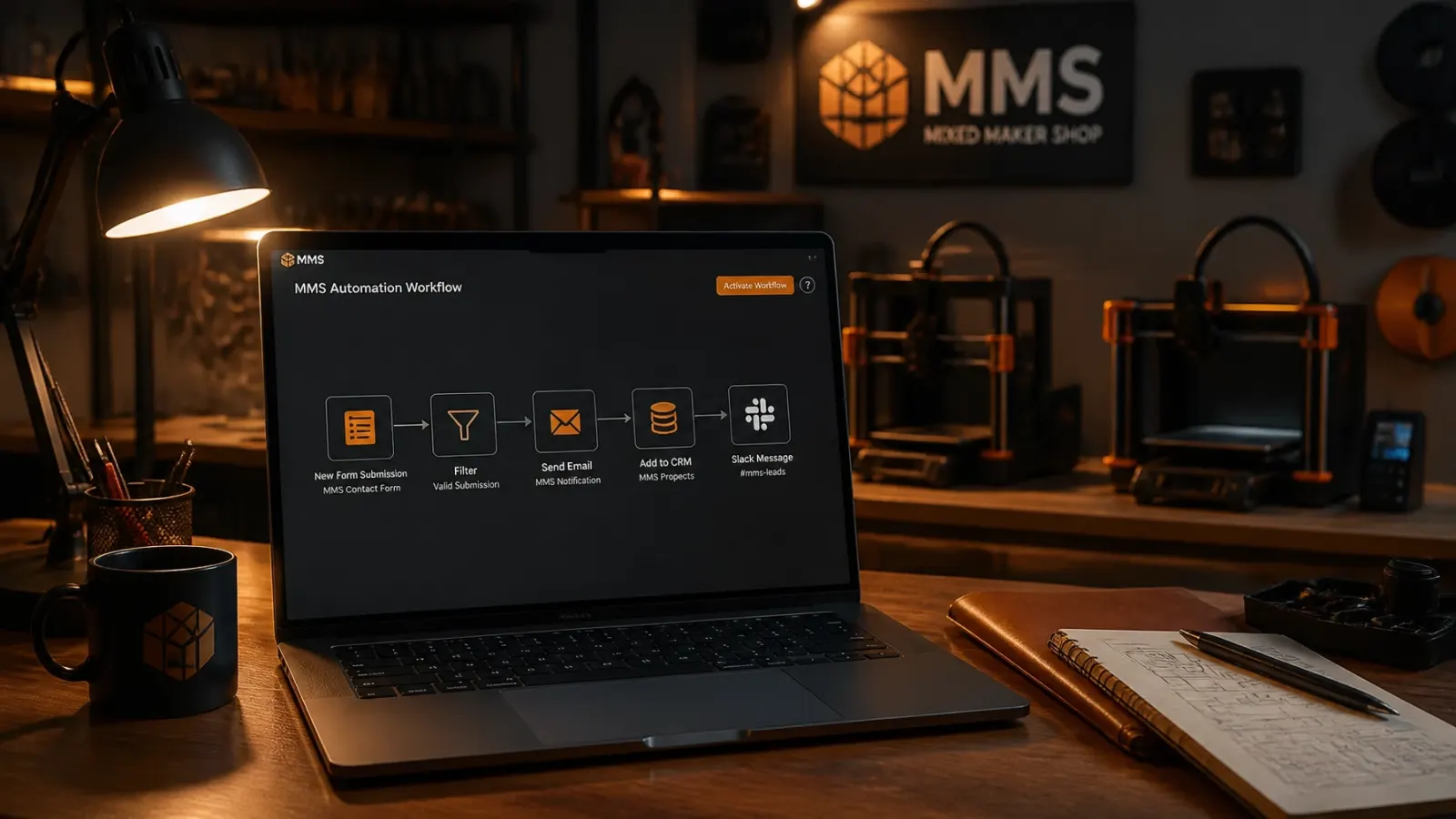
Instead of manual entry, you can set up a workflow that triggers the moment a visitor hits "Submit."
- How it works: Your website form talks to your email or a simple database.
- The automation: The system sends an immediate, friendly email that says, "Hey, we got your message! Here's what happens next." It can even include a link to book a time on your calendar.
- Why it's better: It makes you look like a pro who's on top of things, even if you're actually covered in sawdust or elbow-deep in a project.
2. Stop Being a Debt Collector: Auto-Invoice Reminders
Chasing unpaid invoices is the least creative part of running a business. It feels awkward, and it takes forever. But you need that cash to keep the lights on and the materials flowing.
Automating your billing doesn't just mean "sending" the invoice; it means letting the system handle the awkward "where's my money?" follow-up.
The "Hands-Off" Billing List:
- Automatic Reminders: Set it to send a polite "heads up" three days before an invoice is due.
- Overdue Alerts: If the due date passes, the system sends a slightly firmer reminder automatically.
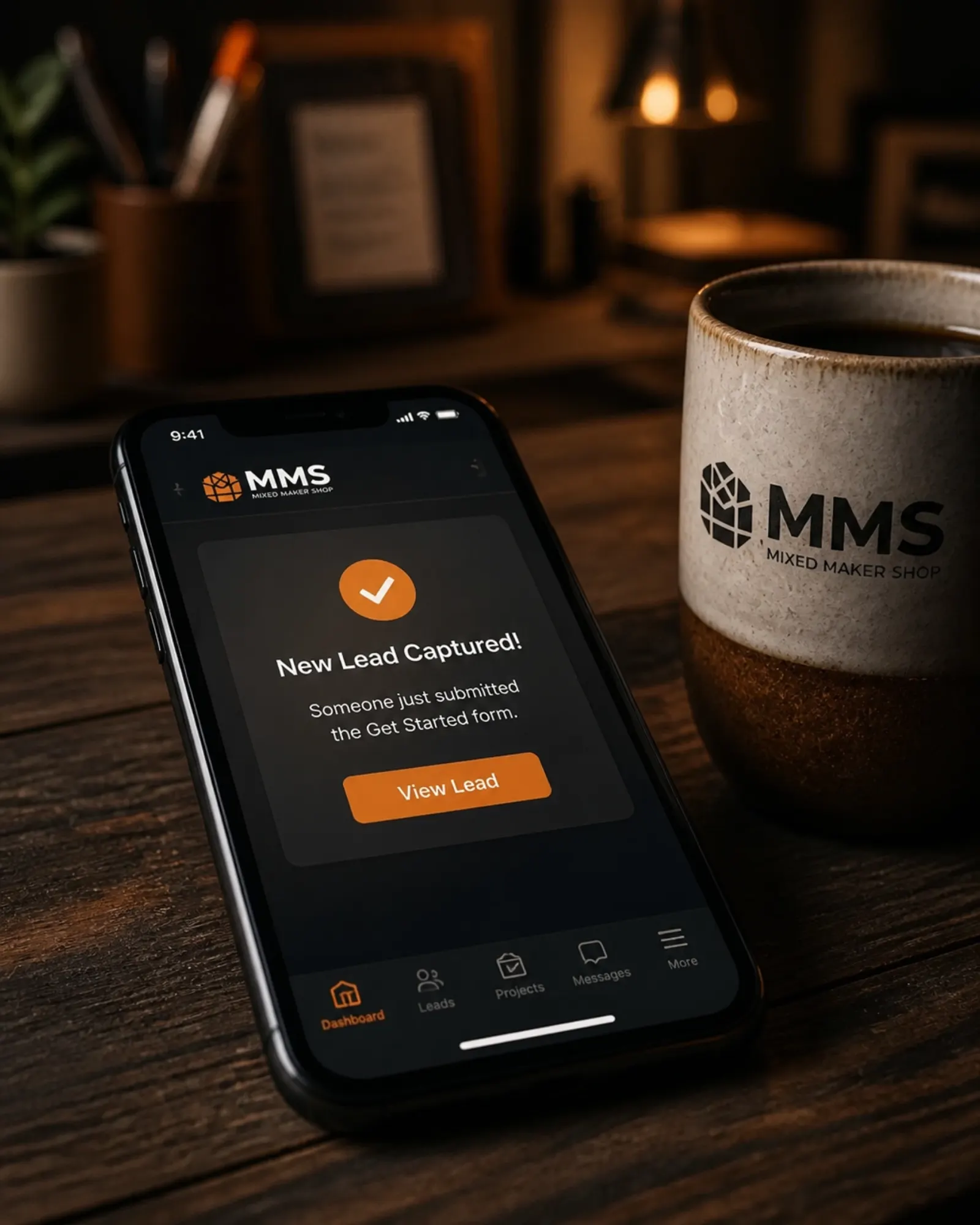
- Thank-You Receipts: The moment they pay, they get a "Thanks for your payment!" email and a receipt, while your accounting software updates itself.
By moving away from manual entry, you ensure that every dollar is tracked without you having to play "bad cop" every Friday afternoon.
3. The End of "Does Tuesday Work?": Appointment Scheduling
If your inbox is full of back-and-forth emails trying to find a time to meet, you're losing hours of your life to a calendar.
Using a scheduling tool is one of the simplest forms of small business workflow automation. You set the times you're available, and the customer picks what works for them.
- The Builder's Approach: I connect your scheduler to your actual calendar. If you have a dentist appointment or a big production run scheduled, that time slot simply disappears from the customer's view.
- Confirmation & Prep: Once they book, the system sends them a confirmation with the address or a Zoom link. It can even send them a "What to bring to our meeting" checklist so they show up prepared.
4. Work Smarter: Smart Lead Routing
Not every lead is created equal. Some people are just "tire kickers" looking for a freebie, while others are ready to start a $5,000 project tomorrow. If you treat them all the same, you'll spend your best energy on the wrong things.
With ai automation for small business, I can help your system "read" the incoming requests.
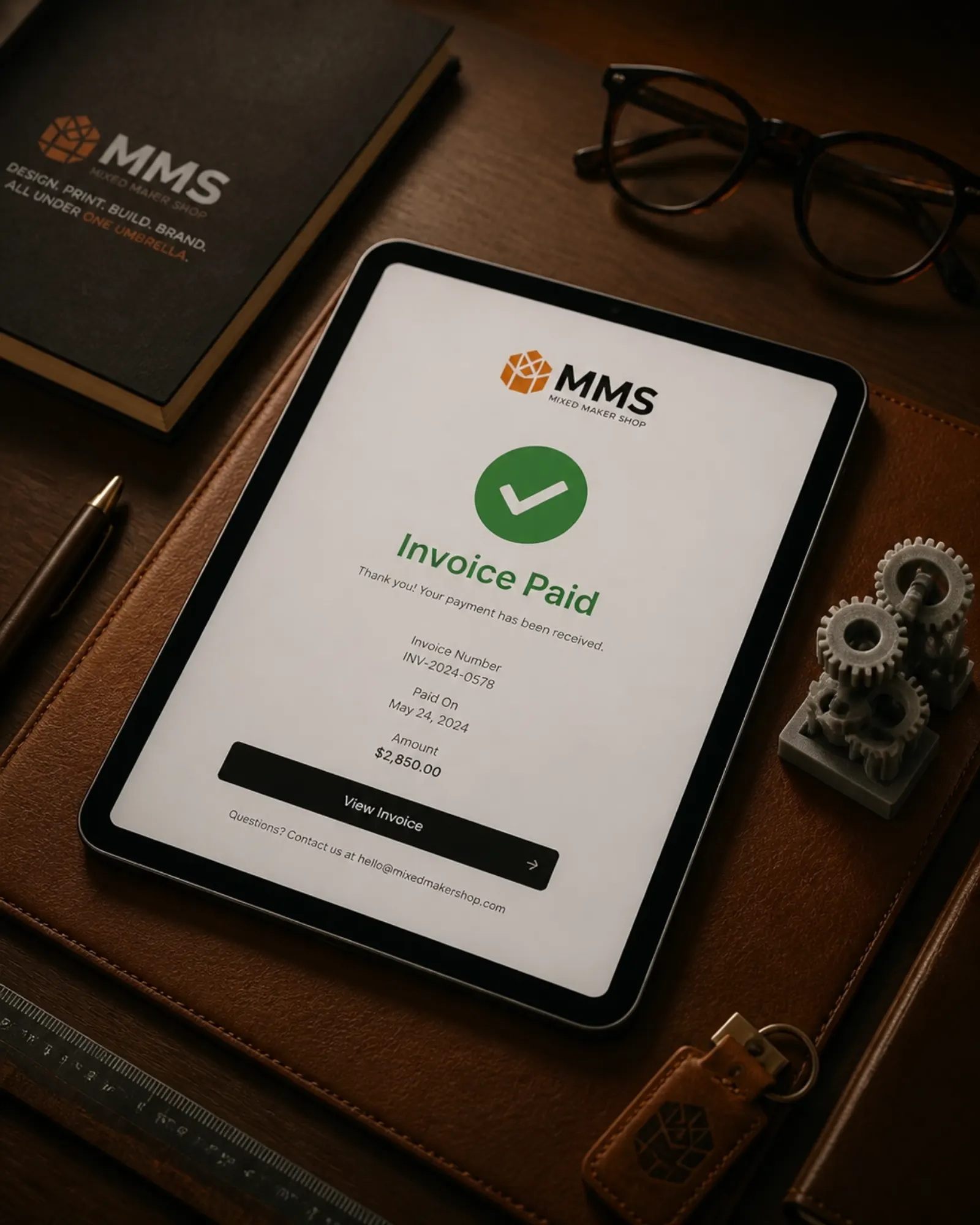
- Lead Scoring: If someone selects "Urgent" or a high-budget option on your form, the system can flag them as a "Hot Lead" and send a text notification directly to your phone.
- Automatic Routing: If someone asks about a custom app, their info goes to the "Build Shop" list. If they ask about a website, they go to "Web Design." No more manual sorting of your inbox.
5. The Practical Tools Approach: Tools, Not Fluff
At Mixed Maker Shop, I have a simple practical tools approach. Most agencies want to sell you a "comprehensive digital transformation framework." I think that sounds like a headache.
My approach is simpler: Tell me what's annoying you, and I'll build a tool to fix it.
I don't believe in "tech for tech's sake." If a design is too fragile or an automation is too complex for your team to use, I'll tell you straight. I prioritize durable, lightweight digital solutions that you actually understand.
What can be customized?
Almost anything. I can connect your website to your CRM, your email to your project management tool, or your store to your shipping software. If there is a "boring task" you do more than five times a week, I can probably automate it.
How I Build It (The No-Stress Way)
I don't need you to be a tech wizard. I'm the maker; you're the visionary.
- The Brainstorm: You walk me through your current process. Where are the bottlenecks? Where is the paper piling up?
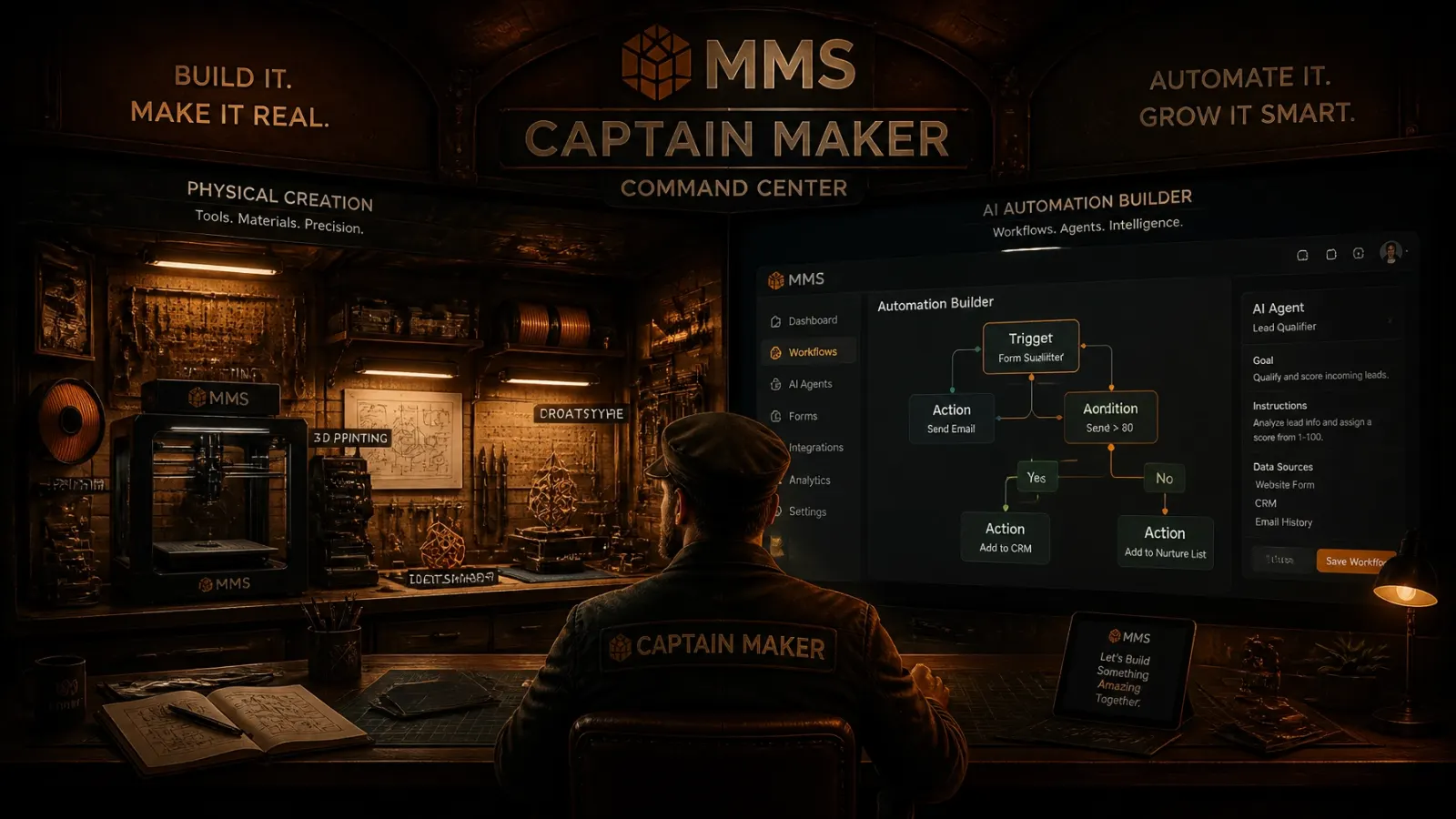
- The Sketch: I map out a simple logic flow. "When A happens, do B, then send C."
- The Build: I wire it up using reliable tools that play nice together.
- The Hand-off: I show you how it works and make sure you're comfortable "steering the ship."
What I Need From You to Get Started
You don't need a 50-page requirements document. To start an automation project, all I need is:
- A Description of the Headache: "I hate that I have to manually copy website leads into my Excel sheet."
- A Sketch or Photo: A picture of your current whiteboard process or a rough drawing of how you wish things worked is a great starting point.
- The Tools You Use: Let me know if you use Gmail, Outlook, QuickBooks, or any other specific software.
Ready to Reclaim Your Time?
Stop being the "middleman" between your own software. Whether you need a simple auto-responder or a custom-built workflow that handles your entire onboarding process, I'm here to help you build it.
Let's get to work.
Click here to start a Free Website Preview to find the right path for your project, or contact me today for a free automation audit. I'll take a look at your current setup and give you a straight-talk plan on how to fix the friction.
Get a Free Website Preview to map your automation path, or contact me for a free workflow audit.